
A Portal Cloud 9 Pro license which covers 1 website and is renewed after 6 months.
Download the Portal Cloud 9 Pro plugin from the top section of our homepage.
After completing your purchase, your login credentials (the username and password you created during checkout) will be sent to your registered email address.
Installation is quick and fully automated.
Install and activate the Portal Cloud 9 Pro plugin.
If the free Portal Cloud 9 plugin is not already installed, the Pro plugin will automatically guide you through installing it directly from the WordPress Plugin Library.
Navigate to:
WordPress Admin → Portal Cloud 9 → Settings → Authentication
Enter your login credentials and activate your license.
Upon activation, the plugin automatically creates your dedicated customer portal page.
Your portal will be available at:
https://yourwebsite.com/user-portal
Once Portal Cloud 9 Pro is activated, users will automatically be redirected to the new portal dashboard whenever they log in. No additional configuration is required.
Portal Cloud 9 Pro includes a collection of powerful shortcodes that let you customize your portal experience.
To access them:
Build a portal experience that perfectly fits your business.
 Enterprise-Grade Security
Portal Cloud 9 Pro replaces the default WordPress login experience with a secure customer portal.
Instead of accessing:
yourwebsite.com/wp-login.php
users will authenticate through:
yourwebsite.com/user-portal
This significantly improves security by supporting advanced authentication methods, including:
This helps protect your website against brute-force login attacks.
 A Beautiful Dashboard for Managers & Customers
Managers and customers no longer need access to the WordPress dashboard.
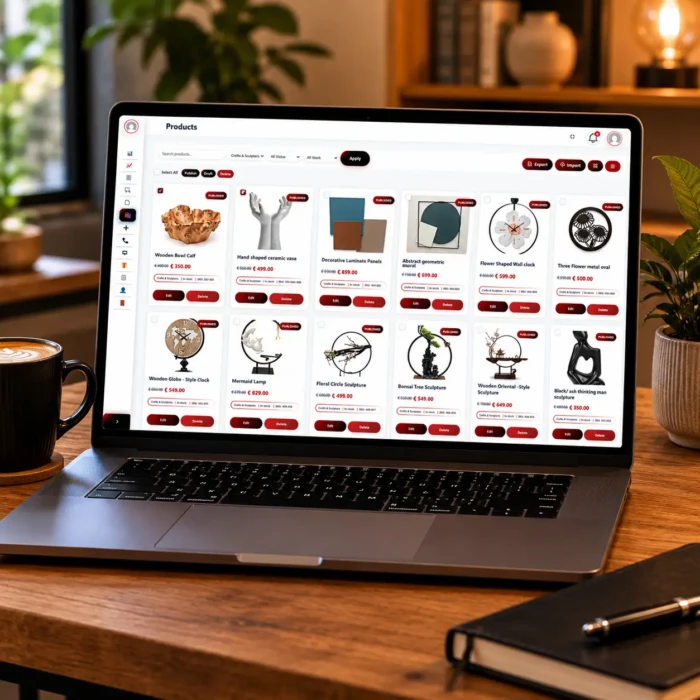
Instead, they use a modern, user-friendly portal where they can:
 Built for Business
Portal Cloud 9 Pro helps you: