Description
A single Portal Cloud 9 Pro license supports 1 website for 12 months and renews on a yearly subscription. It is the best value way to give your WooCommerce customers and managers a secure, modern dashboard.
What is Portal Cloud 9 Pro
Portal Cloud 9 Pro extends the free Portal Cloud 9 plugin with premium features. It replaces the default WordPress login and My Account experience with a branded user portal that keeps your website secure and your customers happy.
What you get with the Yearly License
- Full access to Portal Cloud 9 Pro on 1 website for 12 months
- Automatic plugin updates while your license is active
- Priority support from the Gradyzer team
- One payment for the whole year, so no monthly billing to manage
Highly secure website
Visitors can no longer reach your site through the default WordPress login page. Everyone logs in through yourwebsite.com/user-portal, which protects you against brute force attacks. Users can also confirm their identity with a Two Factor Authenticator code or with biometrics such as face recognition on iPhone or a fingerprint reader.
Your managers and customers never see the WordPress dashboard
From the user dashboard, your team and customers can do the following.
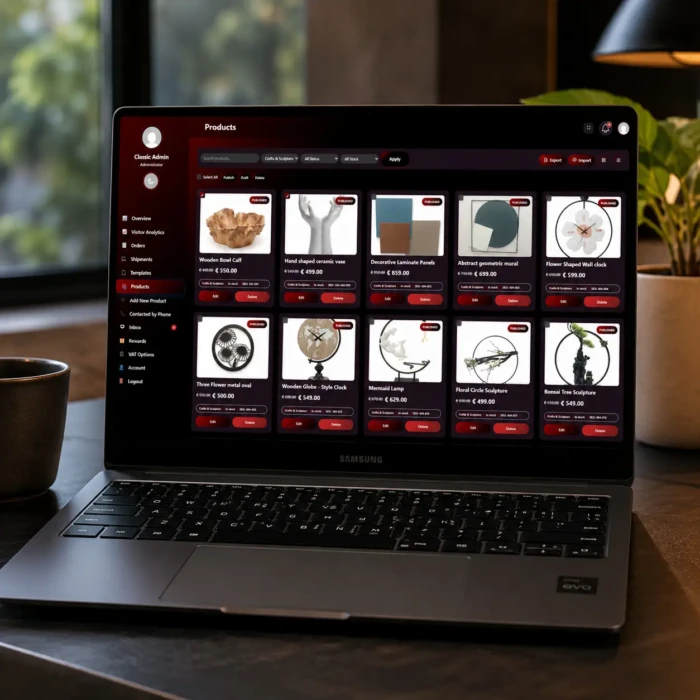
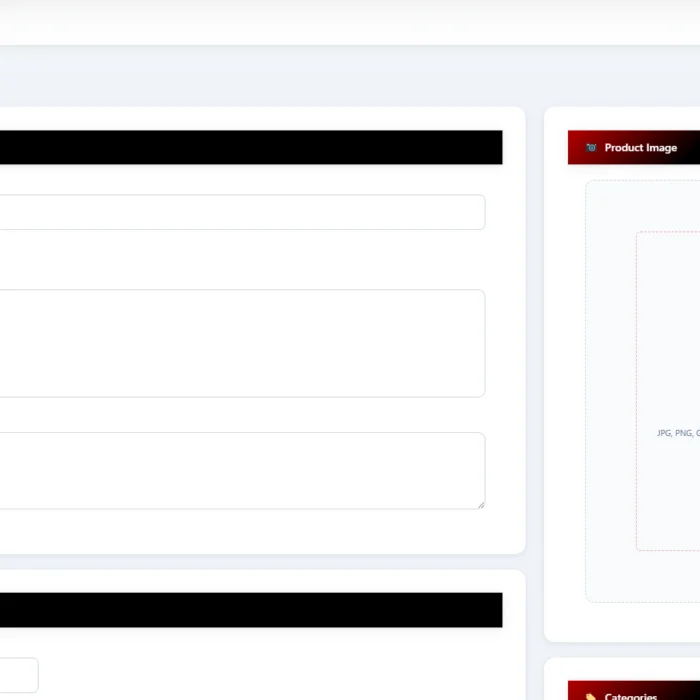
- Add new products or edit existing ones
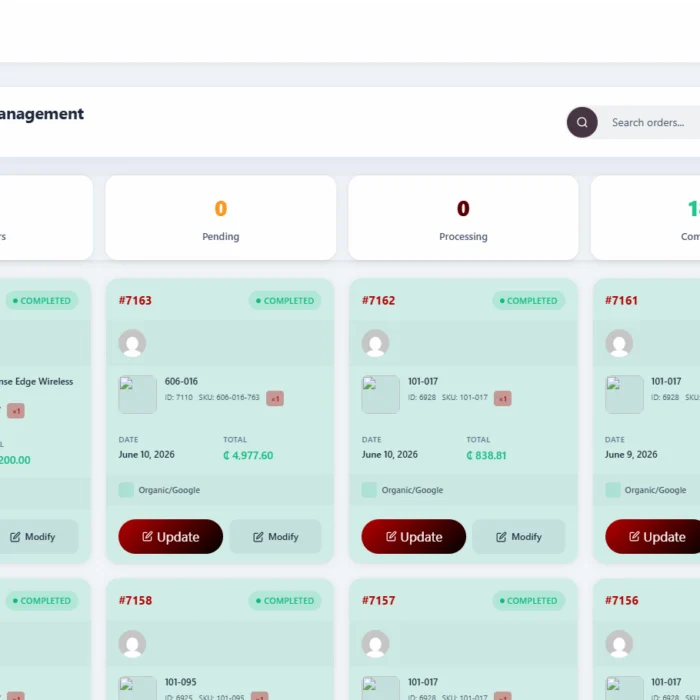
- Access all orders and manage them
- Manage reward points, so frequent customers can collect points and convert them to coupons
- Set up VAT easily for any country
- Use Chat and Inbox
- Browse a favourite products section on the customer facing dashboard
- View a cart section for customers
Getting started
Installation is simple and automatic.
- Activate the Portal Cloud 9 Pro plugin. If the free Portal Cloud 9 plugin is not installed yet, you will be guided to install it from the WordPress plugin library.
- Go to WP Admin → Portal Cloud 9 → Settings, open the Authentication tab, enter your credentials and activate.
- The plugin automatically creates your user portal dashboard page on activation.
- Open your new portal at
yourwebsite.com/user-portal.
Automatic login redirect
Once activated, customers are redirected to the new dashboard when they log in. No extra configuration is needed.
Extend with shortcodes
Go to WordPress Admin → Portal Cloud 9 → Shortcodes, copy any shortcode, and insert it into your custom pages or product descriptions. This lets you shape the portal around your business.
After your purchase
The username and password you set at checkout will be sent to your email. You can download the latest version of the plugin from the top section of our homepage.